How Roster works: invites, payouts, and the ins and outs
Add independent session players, engineers, and teachers as a bookable add-on on your listing — SESH splits the payout automatically, on every plan, the moment they're accepted.
Premium & Top ShelfWhat Roster is — and who you can invite
Roster lets you invite an independent session player, engineer, or teacher onto your listing or facility as a bookable add-on. It's not a way to bring on staff who don't have their own SESH presence — the person you invite needs their own SESH account and their own listing in the Session / Engineer / Teacher category before you can invite them at all.
You also need to mutually follow each other first — you follow them, they follow you back — before their name appears in your invite picker. That's the one relationship-level trust gate before any money or booking logic gets involved.
Send the invite
Open Roster in your dashboard. Invite talent lists everyone you mutually follow who has a Session / Engineer / Teacher listing — pick one, then pick where they become bookable: one specific listing of yours, or an entire facility if you want them available across every room in it.
Until you mutually follow someone, they simply won't appear here — this is the real empty state, not a bug: "You don't mutually follow anyone yet."
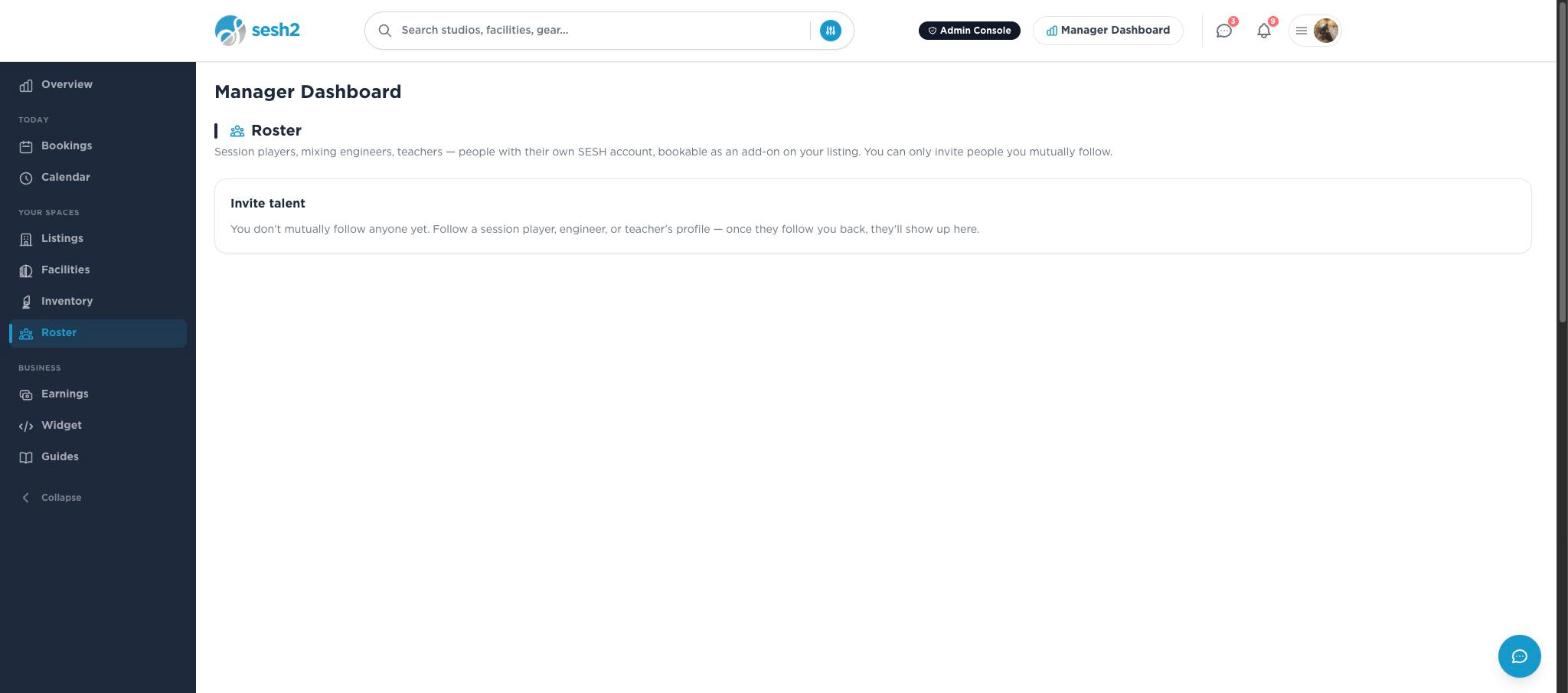
On desktop
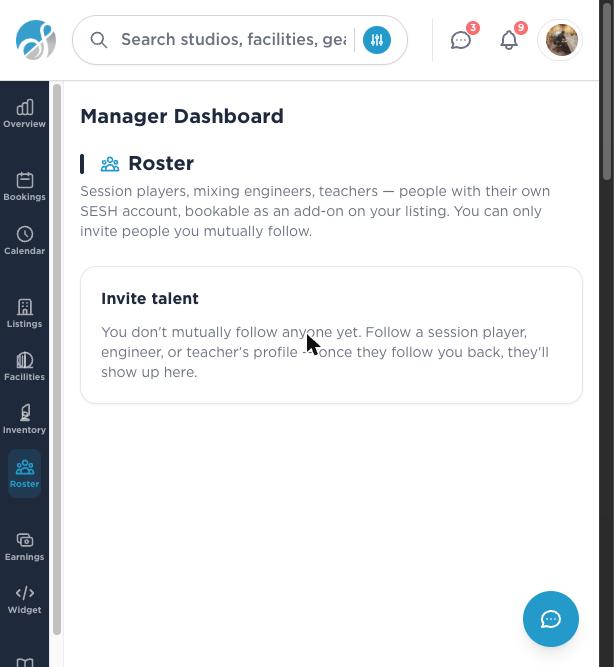
On your phone
What they see, and what accepting actually does
The invite shows up as a notification and on their own Roster invites page, where they can Accept or Decline. Accepting is a one-time relationship decision, not a per-booking approval — once accepted, they're bookable with no further action from either of you, gated only by their own availability.
Accepting doesn't require them to have payouts set up yet. It just forms the relationship. Payouts get checked separately, at the moment someone actually tries to book them.
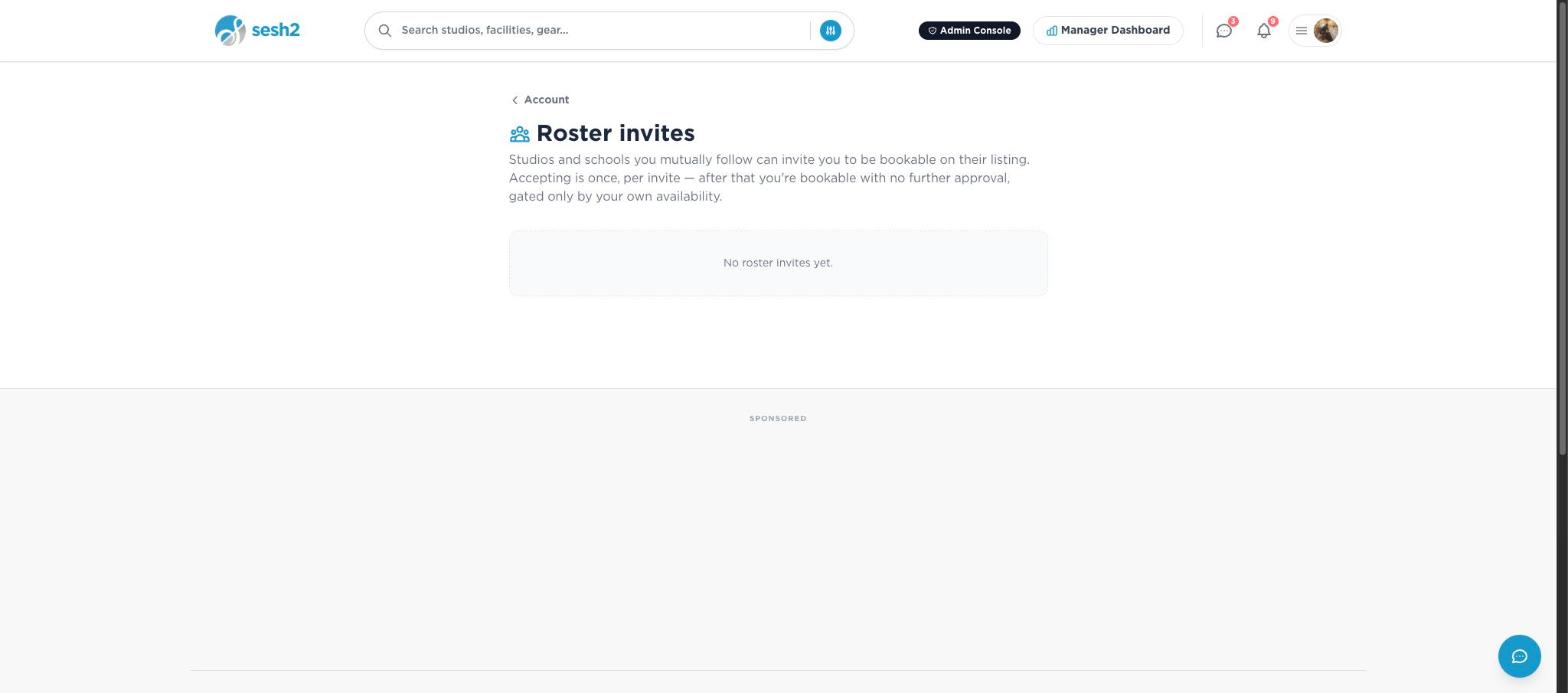
On desktop
Before they can actually be booked
A guest can't complete a checkout that includes a roster add-on until that talent has finished their own Stripe Connect setup — charges and payouts both enabled. If they haven't, checkout is blocked with a plain message that someone on the booking hasn't finished setting up payouts yet, rather than letting the booking through and the payout fail later.
How the payout split actually works
There's no negotiated percentage to set anywhere — the split is the same platform-wide rate applied twice, once to each side. A talent's price for their part of the booking comes straight from their own listing's own rate; SESH's cut is the same 3% taken off your own share and off theirs, independently, with no studio markup either way.
Concretely: if your room comes to $200 and the engineer you've added charges $80 for the session, you keep 97% of your $200 and they keep 97% of their $80 — not 97% of $280 split some other way. Your own commission is only ever calculated on your own share of the total, never on money that was always theirs.
Auto payout — the part that has nothing to do with your plan
This is the "whether you subscribe or not" question, answered plainly: payout automation isn't a setting, and it isn't gated by subscription at all. Every booking on every plan — Free, Boost, Premium, Top Shelf — holds funds for 24 hours after the session ends, then releases automatically. Your subscription plan only decides whether you can create a roster relationship in the first place; once someone's accepted, the release mechanism is identical either way, running on its own schedule with no manual step for you to take.
That means once a roster add-on is accepted, your share and theirs land in each of your own accounts at the same time, automatically, exactly like a normal single-listing booking pays out — there's no separate invoice or manual transfer step for the split itself.
Where to see who's owed what
As the host, your Roster tab shows the invites you've sent and their status — Pending, Accepted, Declined, Revoked — but not a running total of money owed to your talent; that view belongs to them, on their own dashboard.
As talent, "Sessions you're booked on" — on your own Roster tab, regardless of your own plan — shows every booking you're owed money on and exactly where it stands: Held until session, Releasing, Paid out, Refunded, Partially refunded, or Payout failed.
Revoking, and what happens if you downgrade
You can revoke a pending or accepted invite at any time from your Roster tab — they stop being bookable going forward, but any session already booked with them stands exactly as booked; revoking never touches a booking that already exists.
If your own subscription later lapses back to Free or Boost, talent you'd already accepted stays bookable as-is — downgrading only stops you from sending new invites until you resubscribe, it doesn't retroactively pull anyone off your roster.
Worth knowing
- ·The mutual-follow requirement runs both ways — following someone isn't enough on its own, and neither is being followed. Ask them to follow back if they aren't showing up in your invite list.
- ·A roster invite targets either one listing or a whole facility, never both at once — pick a facility if you want that talent bookable across every room in it without inviting them room by room.
- ·If a booking involving your roster talent gets refunded, their share is refunded too, tracked with its own status rather than silently written off.
How labels use SESH: PO numbers and the paper trail